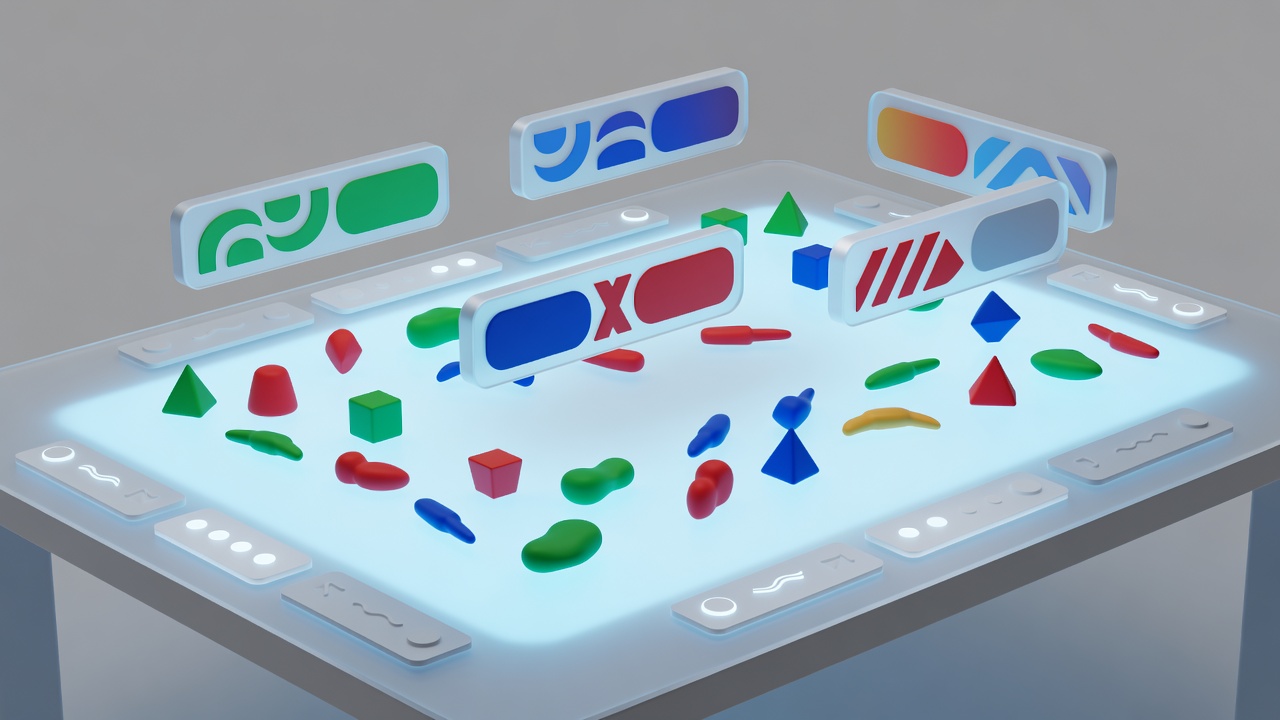
Test a complete turn, not a landing page
A platform can have a readable website while its actual game uses small text, drag-only controls or a complex canvas. Evaluate the specific game and device combination that your group will use. Open the table, inspect private information, choose an action, confirm it and review what changed. A barrier anywhere in that sequence can prevent independent play.
Ask what would make participation easier without demanding personal medical information. People may prefer larger text, a slower pace, a text alternative to voice or a different control method for many reasons. Offer a private response route and accept an answer such as “this table does not work for me.” The person reporting a barrier should not have to become the group’s technical support department.
Reading, contrast and color
Try browser zoom and the game’s own inspection controls. Check whether text remains visible without overlapping essential controls. Player colors should have another identifier, such as a name, symbol or shape. Ask whether cards and state changes can be understood without relying on color alone.
Keyboard, pointer and assistive technology
Try the controls someone actually uses. Look for visible keyboard focus, alternatives to precise dragging and controls that do not require a rapid sequence. Screen reader access to a platform’s menus does not establish access to its game board. Test the full turn with the relevant assistive technology rather than assuming support.
Audio, motion and attention
Check whether important sounds have visible equivalents and whether animation or background audio can be reduced. Provide essential teaching instructions in text. Avoid several people speaking over one another, and allow enough time to read changes before advancing.
Use standards as a lens, not a badge
The Web Content Accessibility Guidelines, published by the World Wide Web Consortium, provide useful principles for perceivable, operable, understandable and robust interfaces. WCAG 2.2 includes criteria relevant to keyboard access, contrast and interaction targets. Those principles help structure questions, but mentioning them does not establish that a tabletop service conforms to the standard.
We do not award accessibility certification or infer it from a single feature. A color-blind mode may help some players while leaving keyboard or screen reader barriers unresolved. Similarly, an accessible communication app cannot repair an inaccessible game. Your group’s practical test remains necessary, and changing the game is a reasonable result.
Find a community that explains its expectations
BoardGameGeek forums, publisher communities, platform lobbies and Discord servers can all help people find opponents and teaching sessions. They differ in moderation, privacy and social expectations. Before joining a public table, read the group’s rules and look for a clear way to contact moderators, report misconduct and leave without argument.
A welcoming group labels its sessions honestly. “Teaching game,” “casual play” and “competitive practice” describe different experiences. Ask whether beginners can take longer turns, whether voice is required and whether spectators are allowed. An active membership count tells you little about these conditions. Observe a community’s public conversations before deciding whether its style fits you.
Make conduct rules useful at the table
Agree that mistakes are teachable, not embarrassing. Ask before offering strategic advice, and avoid taking over another person’s turn. Do not tolerate harassment disguised as competitive banter. If something goes wrong, the host should be willing to stop play, use platform reporting tools where appropriate and prioritize the affected player’s comfort over finishing the game.
Protect privacy in ordinary ways. Use display names when practical, keep invitation links inside the intended group and ask before recording, streaming or sharing screenshots. A voice channel is not permission to publish someone’s conversation. Check each community’s age rules and avoid encouraging children to join spaces that are not appropriate or supervised.
Support both regulars and occasional players
Reliable groups make their routines explicit. Explain how invitations work, how to decline and what happens after a missed turn. For asynchronous games, agree on a response rhythm that accommodates work and care responsibilities. For live games, schedule breaks and a finish time. A reminder should be useful, not a public reprimand.
Offer ways to participate without constant commitment. A newcomer might prefer a short teaching game before joining a long campaign. A regular may need to skip a month. Rotate games thoughtfully so the group does not repeatedly choose the one interface a particular person struggles to use. Belonging is built through these small decisions more than through a statement that everyone is welcome.
Keep improving without collecting sensitive details
After a session, ask whether the setup, controls and pace worked. Write down practical changes such as “send text rules” or “use larger card inspection,” rather than storing personal diagnoses. Invite feedback privately, respect a decision not to explain further and revisit assumptions when someone changes devices. Access is an ongoing group practice, not a checkbox completed on the first night.